How to Install & Setup IBO Player Pro on Smart TV, Firestick & Android (2026)
Looking for a premium IPTV experience? This updated 2026 guide provides a step-by-step tutorial on how to install and configure IBO Player Pro on Samsung, LG, Firestick, and Android TV for smooth 4K streaming.
IBO Player Pro is a high-performance IPTV media player designed for streaming live TV, movies, and series in ultra-high definition. Please note that the app does not provide content; you must have an active Pure8KStream subscription to load your channels and start watching.
Step-by-Step: How to Download IBO Player Pro
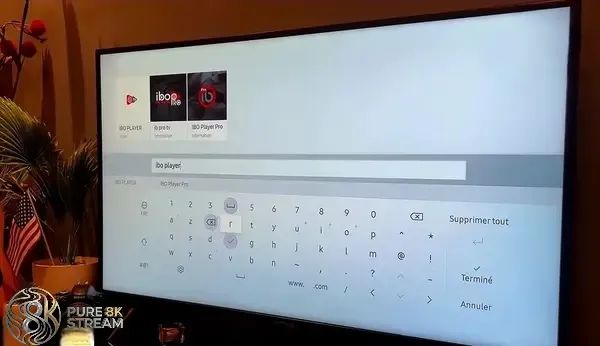
1. Install IBO Player Pro on Samsung Smart TV
- Press the Home button on your Samsung remote and navigate to Apps.
- Use the search icon to type "IBO Player Pro".
- Select the app from the results and click Install.
- Once downloaded, launch the app to find your MAC address.
2. Install IBO Player Pro on LG Smart TV (webOS)
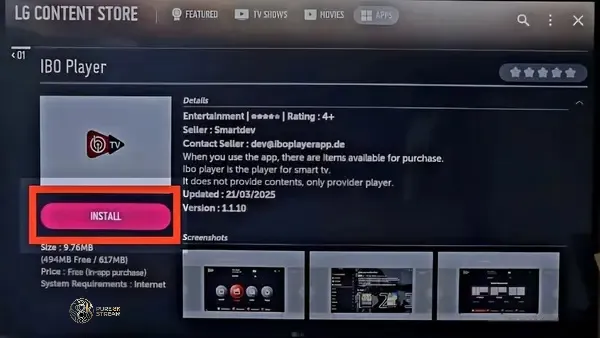
- Open the LG Content Store from your TV dashboard.
- Search for the "IBO Player Pro" application.
- Tap the Install button to add the player to your LG TV.
3. Download IBO Player Pro for Android TV & Google TV
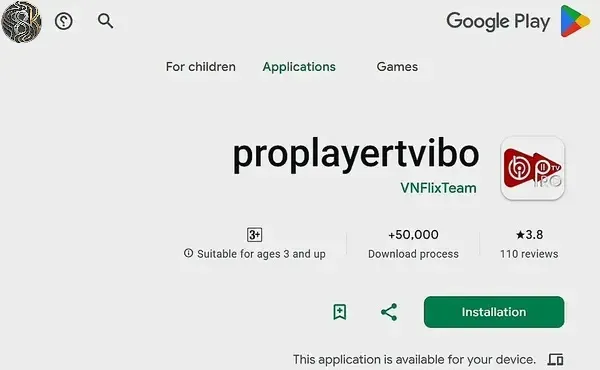
- Launch the Google Play Store on your Android Box or Smart TV.
- Search for "IBO Player Pro" or "IbPro Smart Player".
- Click Install to set up the player on your Android device.
4. How to Sideload IBO Player Pro on Amazon Firestick
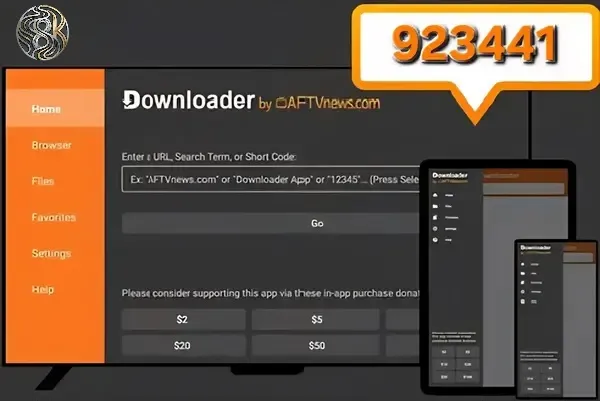
- Ensure you have the Downloader app installed.
- In Firestick Settings, enable Install Unknown Apps for Downloader.
- Launch Downloader and enter numeric code:
923441or5546232. - Wait for the APK to download, then click Install.
5. Install IBO Player Pro on iPhone, iPad & Apple TV
The IBO Player app is fully optimized for iOS and tvOS (Apple TV 4K).
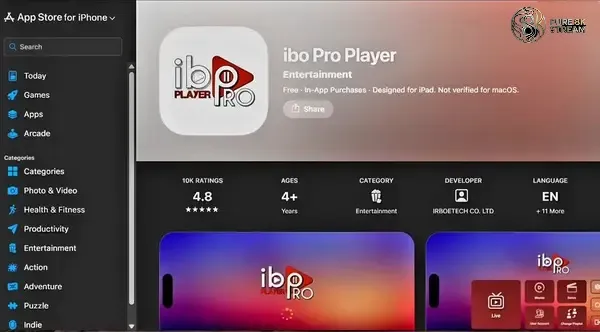
- Open the App Store on your Apple device.
- Search for the official "ibo Pro Player" app.
- Click Get or Install to download.
6. Use IBO Player Pro on Windows PC
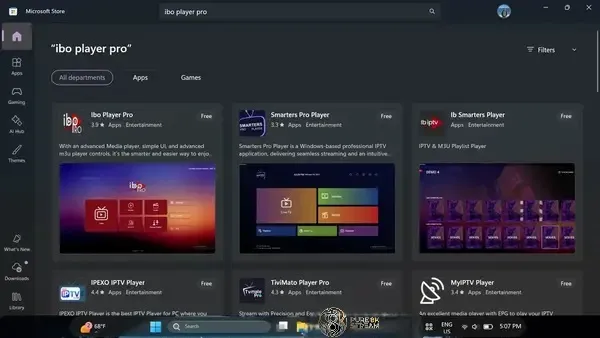
- Launch the Microsoft Store on your PC or Laptop.
- Search for "IBO Player Pro" or "IBO Player Smarter".
- Click Download to begin the installation.
How to Activate and Setup IBO Player Pro (2026)
After installation, follow these simple steps to connect your Pure8KStream subscription and unlock thousands of 4K channels and movies.
-
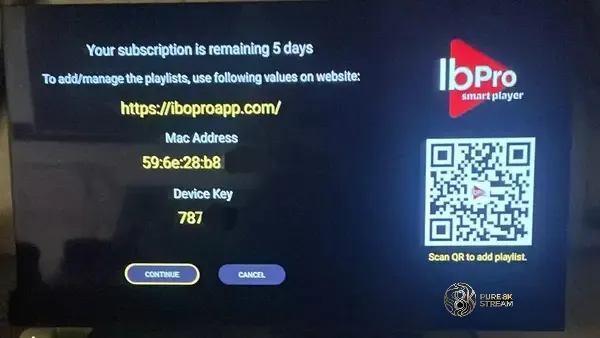
Locate your MAC Address:
Launch the app on your TV. Your unique MAC Address and Device Key will appear on the home screen. Note these down carefully.
-
Access the Online Playlist Manager:
Visit the activation URL shown in the app using a browser on your phone or computer. Enter your device details to log in.
-
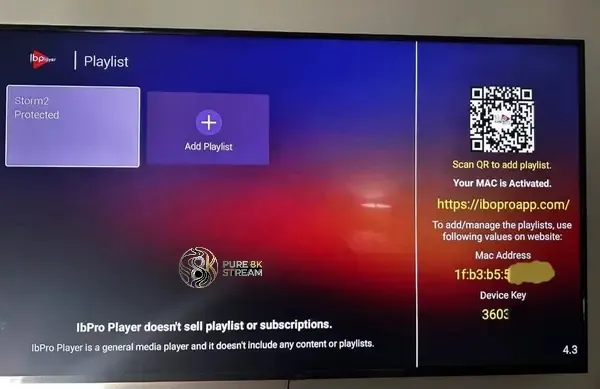
Add your Pure8KStream Subscription:
Choose "Add Playlist" and enter the Xtream Codes API or M3U URL provided in your subscription email. This will instantly sync your channel list.
-
Expert Tip: Free Remote Setup
Don't want to do it yourself? Send your MAC address to our 24/7 Support Team via WhatsApp or Telegram, and we will configure your app remotely for free!
-
Enjoy 8K Quality:
Restart the app on your TV. Your channel categories, movies, and TV series are now ready for a buffer-free viewing experience.
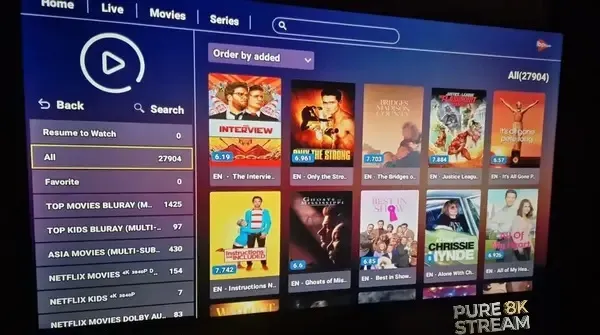
Note: IBO Player Pro offers a 7-day free trial. Afterward, a small one-time app fee is required by the developers. Subscriptions purchased from us include full app activation.